
Bluesky Bulk Block & Mute - List Cleaner
Block or mute everyone on a Bluesky followers, following or list page at once, using your own session. Two-step confirm.
- Works on
- Chrome
- Version
- 3.0.3
Bluesky blocks and mutes one account at a time, so clearing a few hundred spam followers means a few hundred menu clicks. This adds a button to the list page that walks the accounts shown and blocks or mutes them in one pass.
Bluesky only lets you block or mute one account at a time. If you want to clear out a spam follower wave, a bot list, or a starter pack you no longer want, that is a lot of clicking. This does it in bulk.
Open a followers, following, or list page, click Bulk block / mute, and it gathers the accounts shown. Choose Block all or Mute all, confirm once more, and it goes through them one by one using your own logged-in Bluesky session over the AT Protocol — the same thing your client does when you block someone by hand.
Blocking is reversible any time from your Moderation settings. The extension talks only to Bluesky, on your behalf, with your session — nothing is sent anywhere else.
Independent extension, not affiliated with Bluesky.
Screenshots
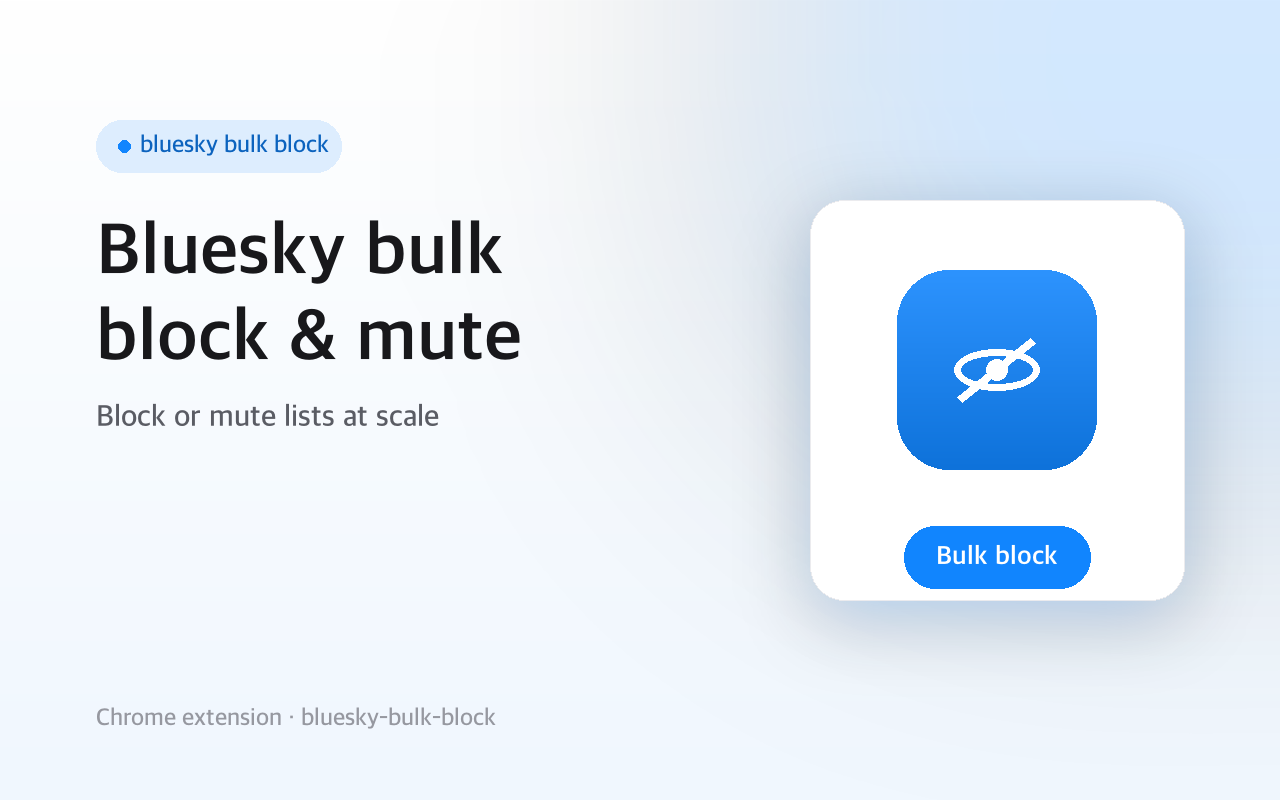
What it does
Block or mute every account on the current list page in one pass.
Two-step confirm so you never fire it by accident.
Uses your own logged-in session over the AT Protocol
no password, no third-party server.
Blocking stays reversible from Bluesky's Moderation settings.
When you'd reach for it
A wave of spam followers
You wake up to a follower list full of throwaway accounts. Open your followers page, scroll until the ones you want are loaded, then click Bulk block / mute in the bottom-right corner. The panel tells you how many accounts it found on the page before you commit to anything.
Clearing a list or starter pack you no longer want
List member pages and starter packs use the same profile links as a followers page, so the button works there too. Open the list, click Block all or Mute all, and it goes through the accounts one by one with a short pause between each. A running counter shows how far along it is and how many calls failed.
Muting instead of blocking
Sometimes you want the accounts out of your feed without cutting the connection. Mute all calls the same mute endpoint your client uses when you mute someone by hand, so the results land in your Moderation settings and can be undone from there. Your own account is skipped either way.
How to use it
- 01On bsky.app, open a followers, following, or list page.
- 02Click Bulk block / mute at the bottom-right — it shows how many accounts it found.
- 03Click Block all or Mute all, then click again to confirm.
Permissions & privacy
Single purpose
Single purpose: Block or mute, in bulk, the Bluesky accounts shown on the current list page, via the user's own logged-in session. Permission — storage: Used only for local preferences/state via chrome.storage. No personal data stored. Host permissions — https://bsky.app/*: read the account handles shown on the page. https://bsky.social/*, https://*.bsky.network/*: call the AT Protocol block/mute endpoints on the user's own Personal Data Server using their existing session. No <all_urls>. Remote code: None. All code is bundled; nothing is fetched or eval'd at runtime. Data collection / transmission: None to third parties. The only network calls are AT Protocol requests to the user's own Bluesky service, authenticated with the user's existing session — the same calls the official client makes.
Runs in your browser and acts only through your logged-in Bluesky session. It reads the account handles shown on the page and calls Bluesky's own block/mute endpoints. No data is sent to any third party. It runs only the code shipped inside the package — no remote code is fetched.
Questions people ask
How do I block multiple accounts at once on Bluesky?
Open a followers, following or list page on bsky.app and click the Bulk block / mute button in the bottom-right corner. The panel shows a count of the accounts it found, then Block all and Mute all. Both need a second click on the same button to confirm before anything runs.
Which accounts does it actually act on?
Every distinct /profile/ link rendered on the page at the moment you open the panel, deduplicated. Bluesky loads long lists as you scroll, so accounts you have not scrolled down to yet are not included, and reopening the panel re-counts. Because it reads links rather than a specific list widget, opening it on a feed or a thread will pick up the profile links there too, which is why the count is shown before you confirm.
Can I undo a bulk block?
Yes, from Bluesky itself. Blocks are records written to your own repository, and mutes live on your account, so both appear in your Moderation settings where you can reverse them. The extension has no undo button of its own, so it walks the list forward only.
Do I have to type my Bluesky password or an app password?
No, and there is nowhere to enter one. It reads the session token bsky.app has already stored in the page for your logged-in account and sends AT Protocol calls to your own PDS with it: resolveHandle to turn a handle into a DID, then createRecord for a block or muteActor for a mute. If you are not logged in, it shows a not-logged-in message and does nothing.
What can this extension access besides Bluesky?
Nothing. The manifest declares an empty permissions array and three host permissions: bsky.app, bsky.social and *.bsky.network. The content script matches https://bsky.app/* only, and the only network requests are the AT Protocol calls to your own Bluesky service.
Related extensions
 Hide Seen Reddit Posts - Auto Dim & Scroll
Hide seen Reddit posts as you scroll: already-viewed posts get dimmed or hidden so your feed stops showing the same ones.
 Search Reddit Comments - In-Thread Find
Search Reddit comments across a whole thread, including collapsed ones, then jump between highlighted matches like Ctrl+F.
 Reddit Load All Comments - One ClickNot published yet
Reddit load all comments automatically: expand every more replies, view more comments and continue thread with one click.
 SEO Toolkit5K+ users
All-in-one SEO analysis: on-page score, SERP preview, keyword density, broken links, heading structure, and meta tag viewer.
 GitHub 한국어 (GitHub Korean)3K+ users
Turns GitHub's menus, buttons and settings labels into Korean as the page loads. Dev terms stay in the form you actually say, plus release and status alerts.
 KoreaDropdown800+ users
A Chrome extension that automatically selects 'Korea' in dropdown menus on websites.