
GitHub Unfollowers & Un-stars Tracker
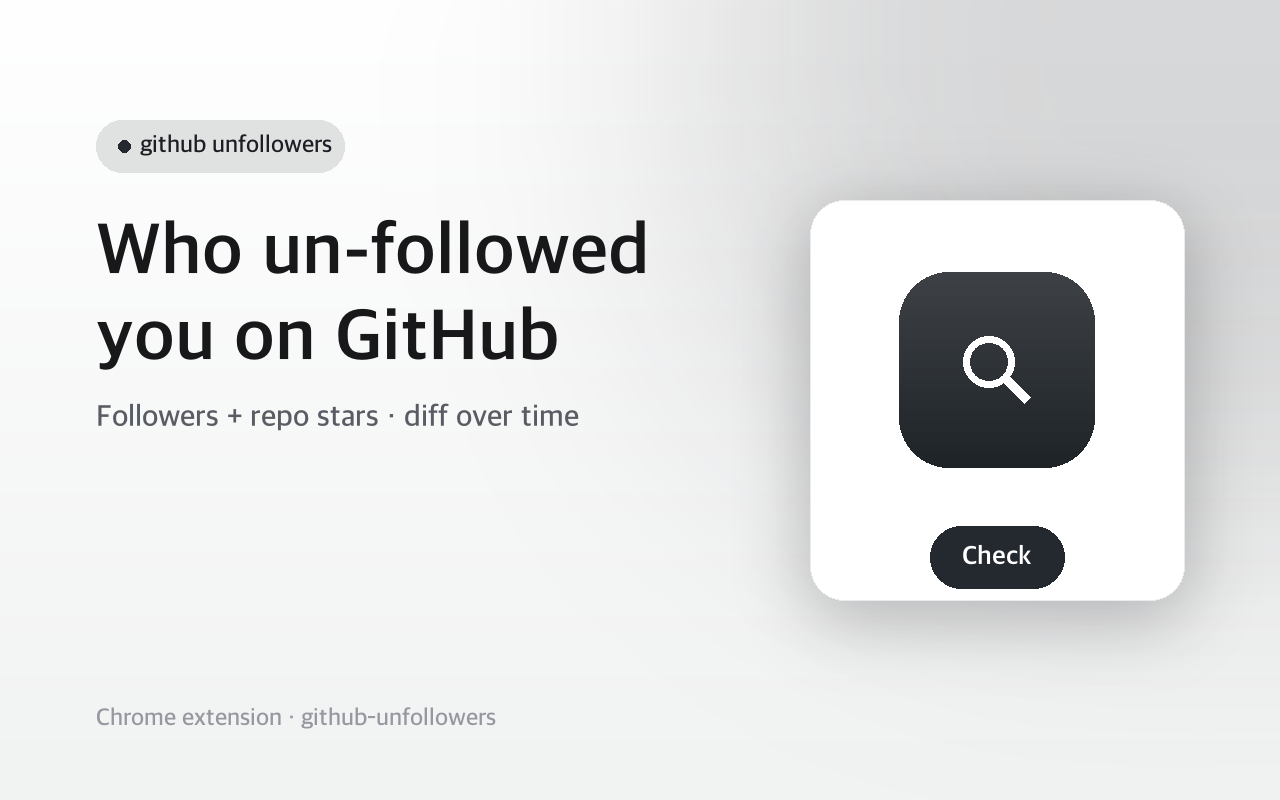
See who unfollowed you on GitHub, and who un-starred your repo — the thing GitHub never tells you. Official API, all local.
- Works on
- Chrome
- Version
- 3.0.3
GitHub emails you the moment someone follows you or stars your repo, then says nothing at all when they leave. Type your username in the popup, click Check, and the next check tells you which accounts went missing since the last one.
GitHub emails you when someone follows you or stars your repo. It never tells you when someone leaves. This does.
Type your username and hit Check. The extension saves a snapshot of your followers through the official GitHub API. Next time you check, it compares against that snapshot and shows exactly who unfollowed you — and who's new. Add a repo (owner/repo) to track who un-starred it too.
It uses only the official api.github.com. A token is optional: without one it reads your public followers and stars; add your own token for a higher rate limit or private data. Snapshots are kept on your device — nothing is sent anywhere but GitHub.
Independent extension, not affiliated with GitHub.
Screenshots
What it does
Who unfollowed you on GitHub
the notification GitHub never sends.
Who un-starred your repo, and who newly starred it.
Uses the official GitHub API; token optional for higher limits and private data.
Snapshots stay on your device
no third-party server, nothing scraped.
When you'd reach for it
Your follower count dropped and you want the names
The first Check pulls your full follower list from api.github.com and stores it as a snapshot. Any later Check compares the live list against that snapshot and prints two sections: the logins that are gone, and the ones that are new. Every name is a link straight to that profile.
Watching stars on a repo you maintain
Open the optional section in the popup and enter a repository as owner/repo. Its stargazers get snapshotted the same way as your followers, so the next run lists the accounts that removed their star. As with followers, you need two runs before there is anything to compare.
Accounts with a large follower list
The follower and stargazer lists are read 100 entries per request and followed page by page, up to 3,000 entries. Unauthenticated requests share a low hourly quota, so a big list can come back as a rate-limit error; pasting a GitHub token into the optional field raises that ceiling. Each result section prints up to 200 names.
How to use it
- 01Type your GitHub username and click Check to save a first snapshot.
- 02Come back later and click Check again.
- 03See who unfollowed you and who's new. Optionally add owner/repo to track un-stars.
Permissions & privacy
Single purpose
Single purpose: Track changes to the user's GitHub followers (and optionally a repo's stargazers) over time and show who unfollowed / un-starred. Permission — storage: Stores follower/star snapshots and the last-used username locally (chrome.storage). No third-party transmission. Host permissions — https://api.github.com/*: The extension calls the official GitHub REST API to list followers and stargazers. No other hosts; no scraping of web pages. Remote code: None. All code is bundled; nothing is fetched or eval'd at runtime. Data collection / transmission: None to third parties. The only network calls are to the official GitHub API, optionally authenticated with the user's own token, which is stored locally and never sent elsewhere.
Talks only to api.github.com, using your own optional token. Follower and star snapshots are stored locally on your device and never sent to any third party. It runs only the code shipped inside the package — no remote code is fetched.
Questions people ask
How do I see who unfollowed me on GitHub?
GitHub has no such view or notification, so it has to be reconstructed by comparison. This extension asks the GitHub API for your current followers, keeps that list, and diffs it against the list it kept the previous time you clicked Check. Whoever appears in the old list but not the new one is shown under the unfollowed heading.
Why did my first check show nothing?
The first run has nothing to compare against, so it only saves the baseline and reports how many followers you have right now. Come back after a day or a week and click Check again — that second run is the one that produces a diff. The same applies to a repository you just added.
Do I need a GitHub personal access token?
No, the token field is optional. Without one it reads public followers and public stargazers under GitHub's unauthenticated rate limit, which a long list can exhaust and that shows up as a rate-limit message. A token raises the limit and lets the call reach data your account can see but the public cannot. The token is typed into the popup and sent only as the Authorization header on requests to api.github.com; it is not written to storage, so you enter it again next session.
What permissions does this extension request?
Two entries in the manifest: the storage permission and host access to https://api.github.com/*. Storage holds the follower and stargazer snapshots plus the last username you typed, in chrome.storage.local on your own machine. The host permission exists because the popup calls the GitHub REST API directly; no other domain is listed, and no content script runs on any page you visit.
Can it show who un-starred my repository?
Yes, through the optional owner/repo field. The extension reads the repository's stargazer list from the API and, on the following check, lists the accounts that are no longer on it. You can track your followers and a repository in the same run — the results appear one after the other in the popup.
Related extensions
 SEO Toolkit5K+ users
All-in-one SEO analysis: on-page score, SERP preview, keyword density, broken links, heading structure, and meta tag viewer.
 Download Claude Artifacts - Save Code & Docs5 users
Download Claude artifacts as files. Save every code block, doc, and app in a conversation with the correct file extension.
 BugSnap2 users
One-click bug reports with screenshot, console logs & environment info.
 AI Credit Meter - v0, Lovable, Bolt
Track your remaining credits on v0, Lovable and Bolt, with burn-rate and a projected run-out date. Read-only, all local.
 Page Ruler
Measure any element on a webpage in pixels. Drag to measure areas, hover to see dimensions. Free ruler for designers.
 Stack Overflow 한국어 (Korean)
Use Stack Overflow every day but find the English interface a bit of friction?