
LinkedIn Profile Notes - Tags & CRM
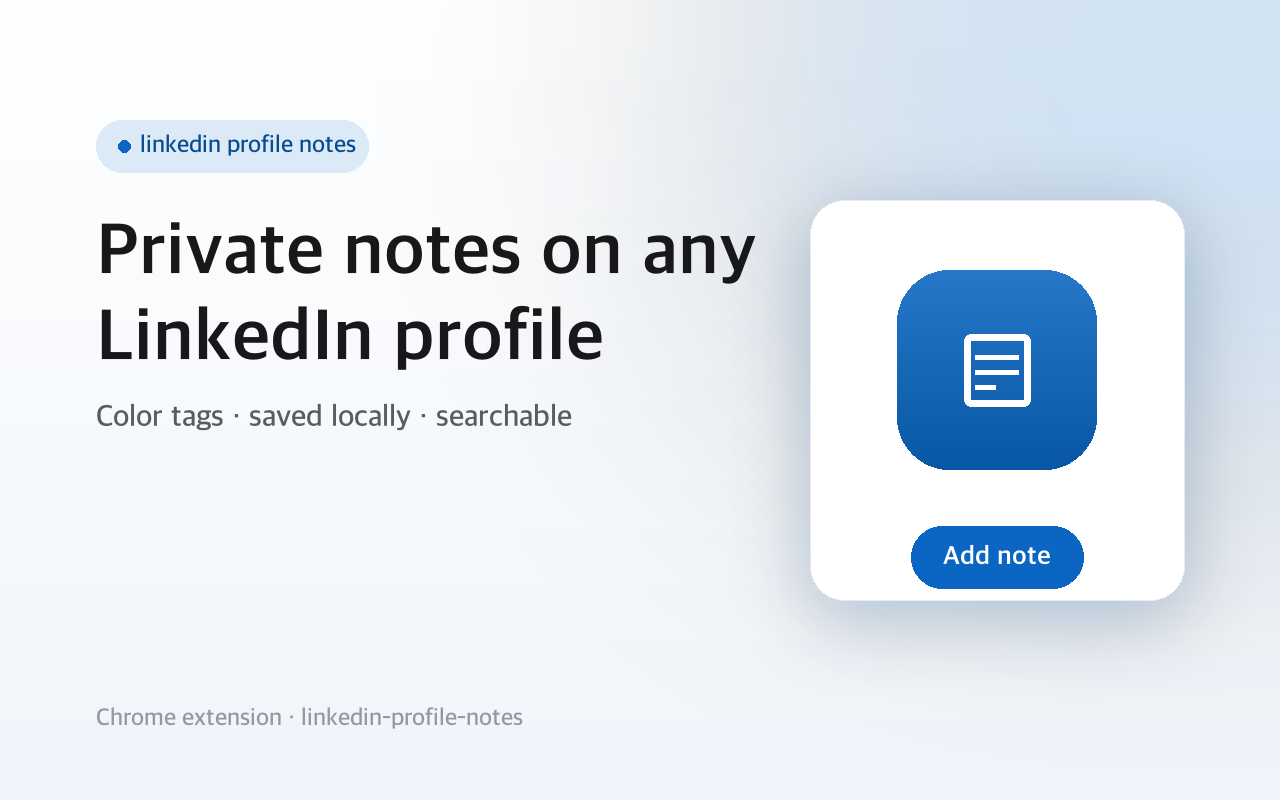
LinkedIn profile notes: add private, color-coded notes and tags to any profile. Saved locally, fully searchable, no login.
- Works on
- Chrome
- Version
- 3.0.3
Three weeks after the conversation you cannot remember which of the four recruiters this one was, and LinkedIn gives you nowhere to write it down. This adds a Notes button to the corner of every profile page and keeps what you type in your own browser.
LinkedIn gives you no way to keep private notes on the profiles you visit, so it's easy to forget who someone was or where you met them. This adds private notes and tags to any LinkedIn profile, kept on your own device.
Open a profile and a "Notes" button sits in the bottom corner. Write a note, add tags, pick a color. It saves as you type. A badge appears next to the person's name when a profile already has a note, and colored dots mark people you've noted across the feed, search results, and your connections list. The toolbar popup lists every note and searches across name, tag, and text.
It's a lightweight, free CRM-style notes and tags tool for LinkedIn. No account, no scraping. Independent extension, not affiliated with LinkedIn.
Screenshots
When you'd reach for it
Remembering where you met someone
Open the person's profile and click the Notes button in the bottom-right corner. Type into the panel and it saves itself about half a second after you stop, no button press needed. Next time you land on that profile, a small note badge sits beside their name in the header.
Tagging a pipeline of candidates or leads
The tag field turns whatever you type into a chip when you press Enter or a comma, and Backspace on an empty field removes the last one. Six colors sit under the tag row: gray, red, amber, green, blue and violet. The color you pick is what shows up on the badge and the dots, so one glance separates "interviewed" from "cold".
Recognising people in the feed and search results
Anywhere a profile link appears — the feed, a search page, your connections list — a colored dot is placed next to it if you have a note on that person. To read the notes themselves, open the toolbar popup: it lists them newest-edited first, with the tags and a snippet, and each row opens that profile in a new tab.
Permissions & privacy
It runs only the code shipped inside the package — no remote code is fetched.
Questions people ask
How do I add private notes to a linkedin profile?
Open the profile, click the Notes button that appears in the bottom-right corner, and start typing in the panel. It writes to storage as you type and the Save button also commits whatever is still sitting in the tag box. Emptying the text and removing every tag deletes the note outright.
Where does the text I type actually go?
Into chrome.storage.local, the extension's own storage inside your browser profile. The panel you type into belongs to the extension and is drawn on top of the page, so a note is not entered into any LinkedIn field and is not part of anything you post, comment or message.
What permissions does it request?
One permission, storage, which is what holds the note text, the tags and the color you picked. The manifest declares no host permissions at all. The note is labelled with the name read from the profile heading and keyed to the profile URL, which is how the panel knows which person it belongs to.
Do the notes sync to my other computer?
They do not. Local extension storage belongs to one browser profile on one machine, and there is no export or import in the popup. Edits do propagate instantly between tabs and windows of that same browser, so a note you delete in the popup disappears from the open LinkedIn tab as well. Uninstalling takes the notes with it.
What happens if someone changes their LinkedIn URL?
The note is keyed to the /in/ slug in their profile URL, so if that person changes their custom URL the old note stays attached to the old slug and the new profile page starts empty. Their display name is captured separately when you save, which is why the popup can still search by name.
Related extensions
 Eye Rest Reminder78 users
Reminds you to rest your eyes and prevent digital eye strain with gentle break reminders.
 Quick Memo74 users
A simple and elegant memo extension for your browser
 YouTube Detox47 users
Removes recommended videos from YouTube homepage and video pages.
 Focus Guard3 users
Block distracting sites with "Why are you here?" prompt. Reduce YouTube, X, Reddit, Instagram use — digital detox, 100% local.
 Notion Table & Database to CSV / Markdown2 users
Notion table to Markdown or CSV in one click. Adds a Copy button above any Notion table or database view. No login, no API.
 Air Quality Monitor
Real-time air quality monitor for Korean cities (PM2.5/PM10)